Why Wireless Active Testing Matters:
In an environment where "always-on" is the baseline expectation, simply monitoring the network isn't enough. You have to experience it from the user’s perspective by having tests that simulate a user. This year, the Cisco Live Network Operations Center (NOC) utilized Wireless Active Testing (WAT) powered by Cisco ThousandEyes to ensure that the "first mile" of connectivity, specifically the wireless hop, was as resilient as the core.
Traditional wireless monitoring often relies on passive data, such as signal strength (RSSI) or client counts. While useful, these metrics don't tell the whole story. They don't tell you if a user can actually connect to the SSID, authenticate, get an IP address via DHCP, or successfully reach a business-critical application like Webex or a custom event app.
At an event of this scale, the NOC needed a way to proactively validate the network across the RAI campus before the first attendee even walked through the doors each morning.
What is Wireless Active Testing?
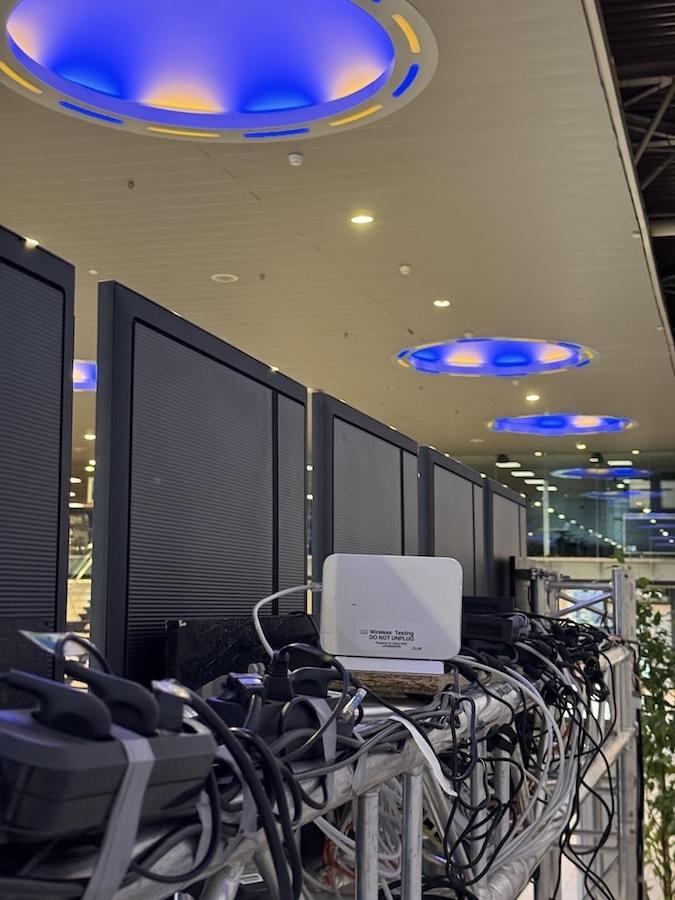
The standout technology at this year's event was the integration of Cisco ThousandEyes Endpoint Agents directly onto Cisco Catalyst CW9172H Access Points (AP). This transformation turned the APs into Active Testing APs. By running the Endpoint Agent directly on the hardware, the APs could act as synthetic users and continuously validate the full connection lifecycle, including association, authentication, and DHCP. This provided the NOC with a reliable performance baseline that mirrored exactly what an attendee would experience on their own device. This is a fundamentally different approach from wired-side testing, which never traverses the wireless medium and therefore misses the segment most prone to variability—the air itself. It also moves beyond passive monitoring, which can only surface issues after real user traffic reveals them, by definition always lagging behind the problem.
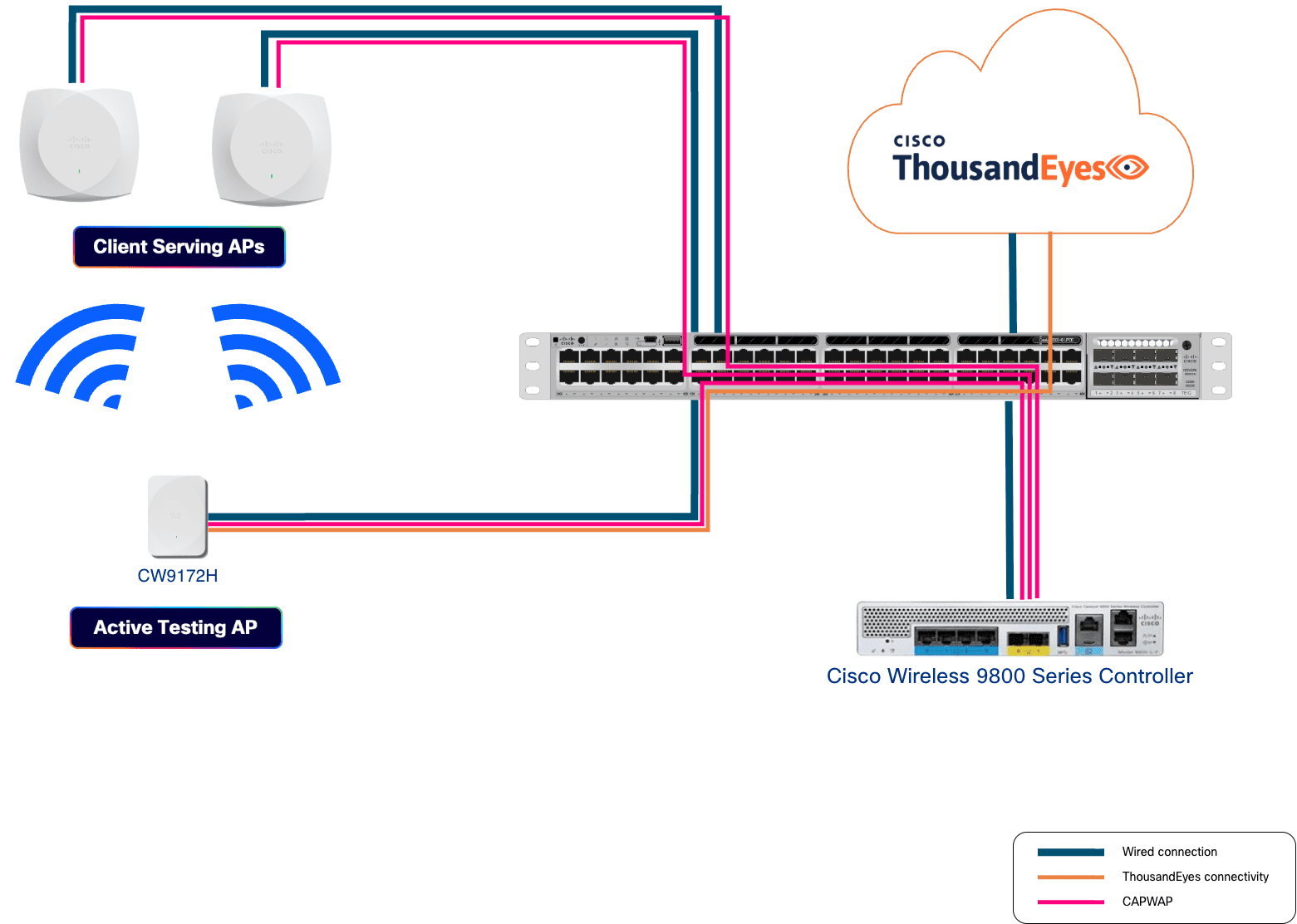
By acting as a user on the network, these Active Testing APs performed continuous, automated tests including:
WLAN Onboarding: Validating the entire association, authentication, and DHCP process.
Application Performance: Running synthetic TTP and network tests to ensure key services were reachable and responsive.
Wireless Active Testing in Action
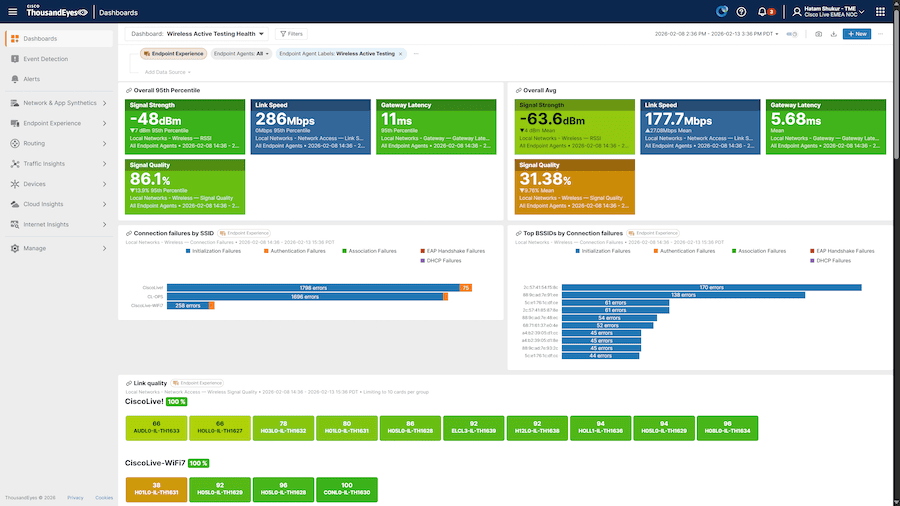
Custom Cisco ThousandEyes dashboards within the NOC displayed these active test results in near real time. Onboarding failures, DHCP, and application reachability were tracked continuously, providing a clear and consistent view of the wireless experience in high-priority areas.
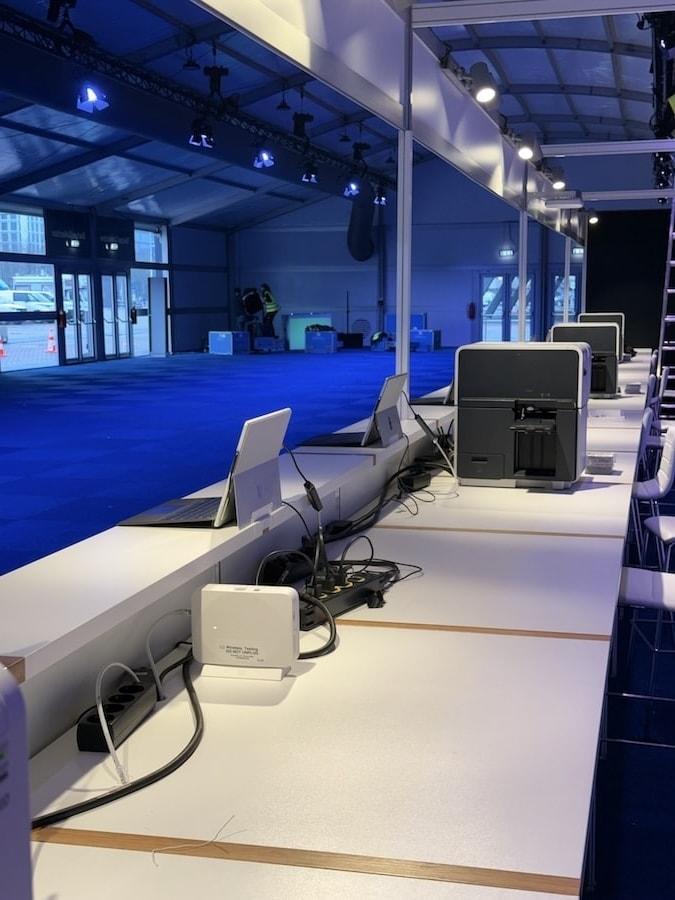
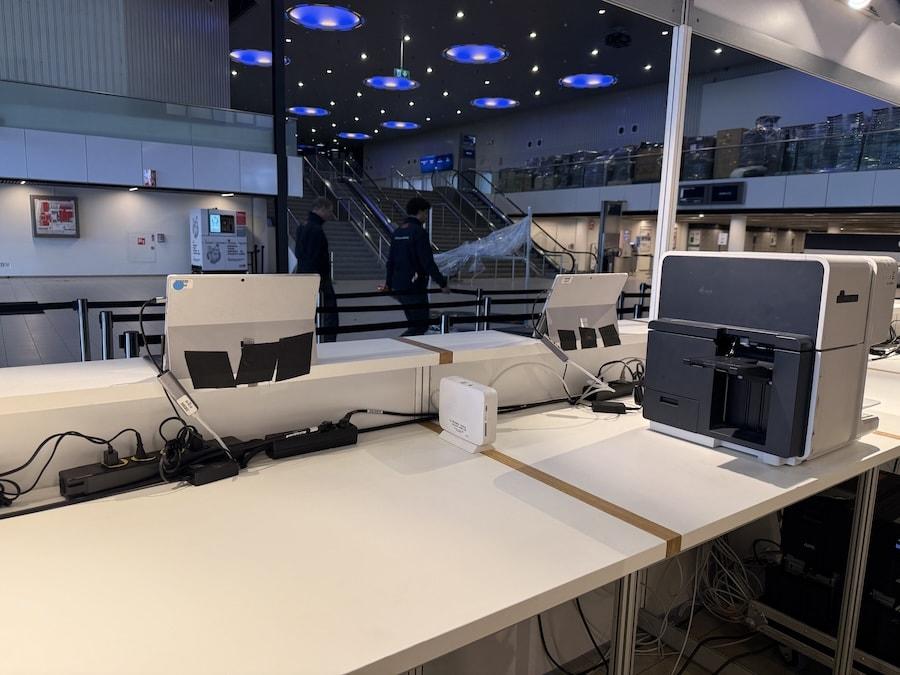
The value of this proactive visibility was demonstrated on Saturday before the event, while the network and WAT access points were already deployed at the registration tent. The dashboards flagged a series of DHCP timeouts reported by the WAT devices, allowing the NOC team to immediately pinpoint a recent WLAN configuration change that was causing the disruption. By identifying and resolving the issue before the registration staff arrived to begin upgrading and provisioning their mobile devices, the team ensured their workflow remained completely uninterrupted. The staff were able to complete their critical tasks without ever knowing a technical issue had occurred, perfectly illustrating how WAT acts as an invisible safety net to guarantee a flawless experience from the very first connection.
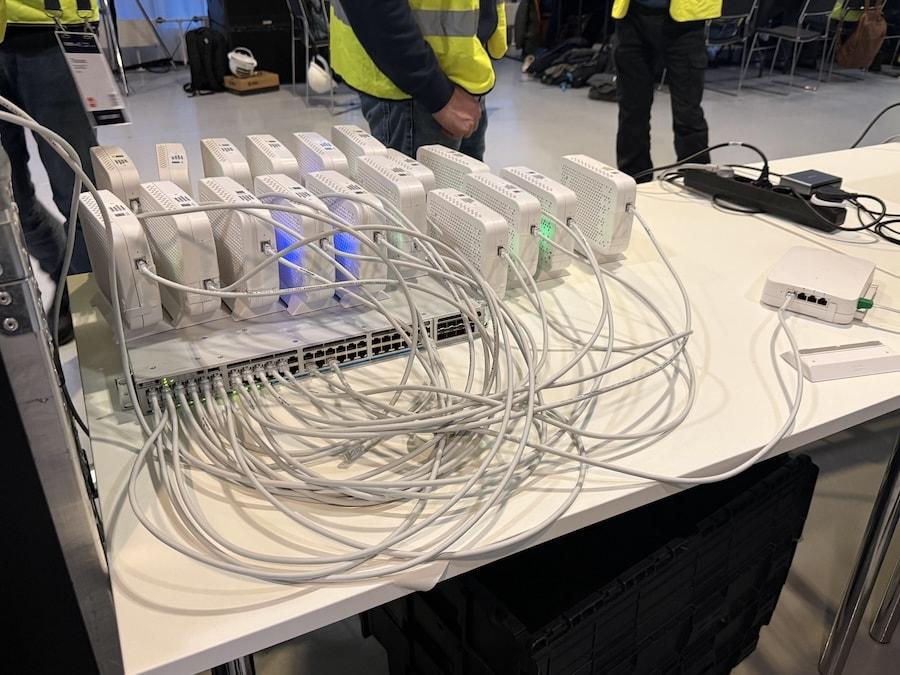
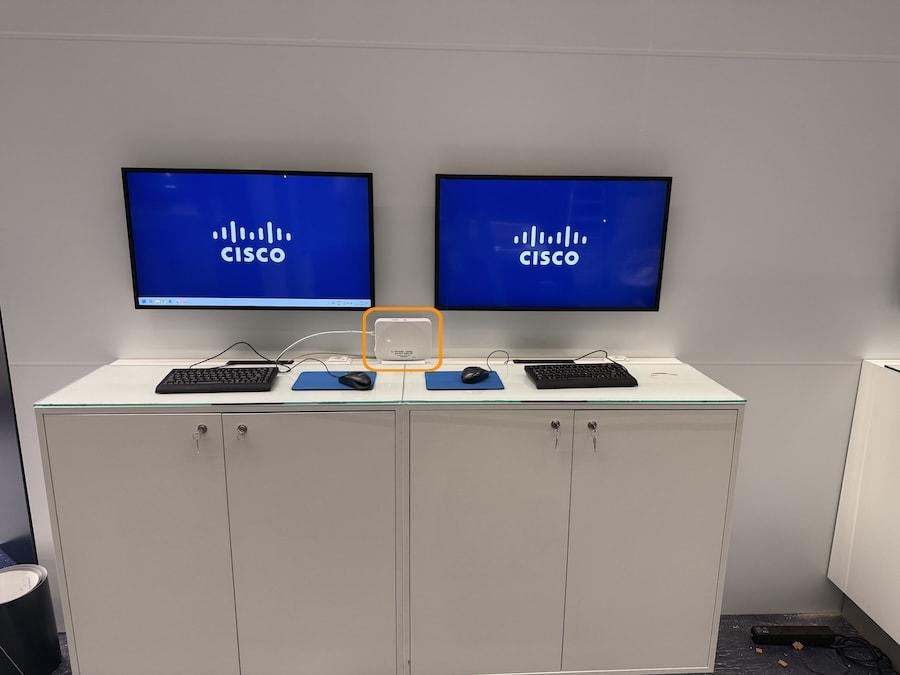
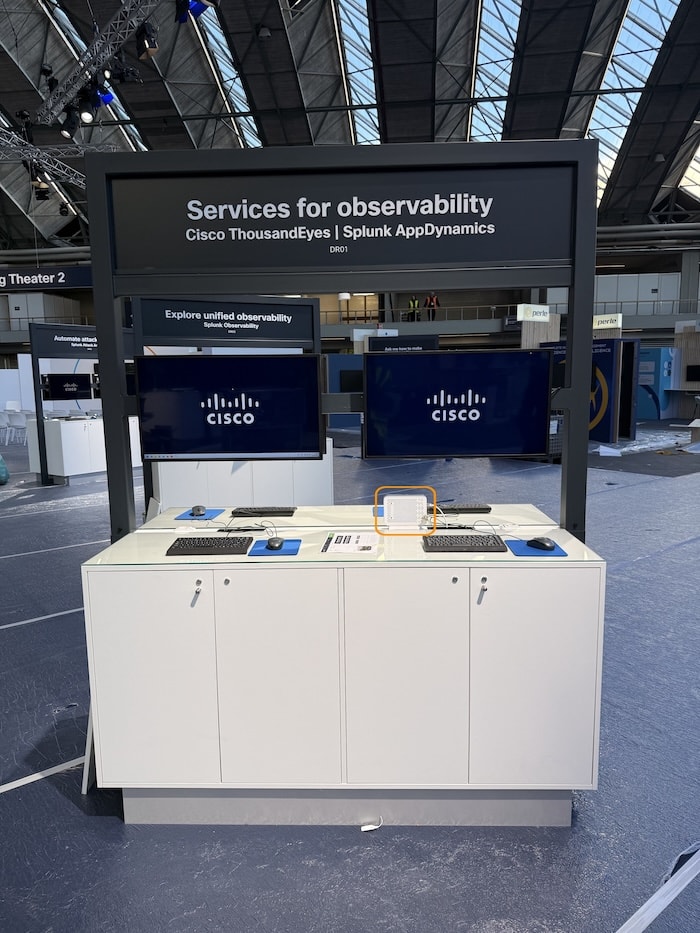
To ensure comprehensive coverage across the vast RAI Amsterdam convention center, the NOC strategically deployed WAT by placing specialized Cisco Catalyst CW9172H Access Points in high-priority zones. These locations included the World of Solutions, the main keynote stages, and busy registration areas where device density is typically highest. By positioning these Active Testing APs in such critical spots, the NOC was able to simulate real user behavior in the exact environments where connectivity is most vital. Across the event, 16 Active Testing APs were deployed, drawn from a pool of 20 physical devices, with the remainder kept as spares for NOC testing and demos, covering at least one sensor per high-priority hall. Tests ran across three SSIDs including the public CiscoLive and CiscoLive-WiFi7 networks as well as the internal 802.1x NOC SSID, with a mix of DNS, network reachability, and application tests targeting key services including dCloud endpoints used for labs and live demos.
Looking Ahead
The implementation of WAT at Cisco Live Amsterdam 2026 highlighted a practical approach to managing large-scale network assurance. Perhaps the most telling sign of WAT's impact was one the dashboards don't measure. In previous years, proactive connectivity validation meant NOC team members, typically those with lighter schedules during the event, physically walking the venue floor with laptops and phones, reporting issues over Webex or radio. It was a very tiring manual human process. The NOC has an internal step-count competition each year, and Cisco Live typically produces some impressive numbers. This year, with WAT providing continuous automated monitoring across every critical zone, the team could stay focused on running the network rather than physically patrolling it. The step counts may have dropped, but the confidence in the network had never been higher. This success is just the starting point.
By automating the validation of the user experience, the NOC was able to gain a clearer view of performance at the wireless edge. This proactive approach ensured that the technology remained a seamless backdrop to the event, allowing attendees to stay connected and focused on what Cisco Live is really about—the innovation, the conversations, and the learning.
Want to see what Wireless Active Testing could do for your environment? Start a Cisco ThousandEyes trial today and speak with your account team about bringing WAT to your wireless infrastructure—the same capability that kept 20,000 attendees connected at Cisco Live Amsterdam is available for your enterprise. And hear directly from the engineers who ran the NOC and learn more about how these technologies were deployed, be sure to check out the Cisco Live Network and NOC: Panel Discussion (PNLNMS-1035).